
Quick verdict
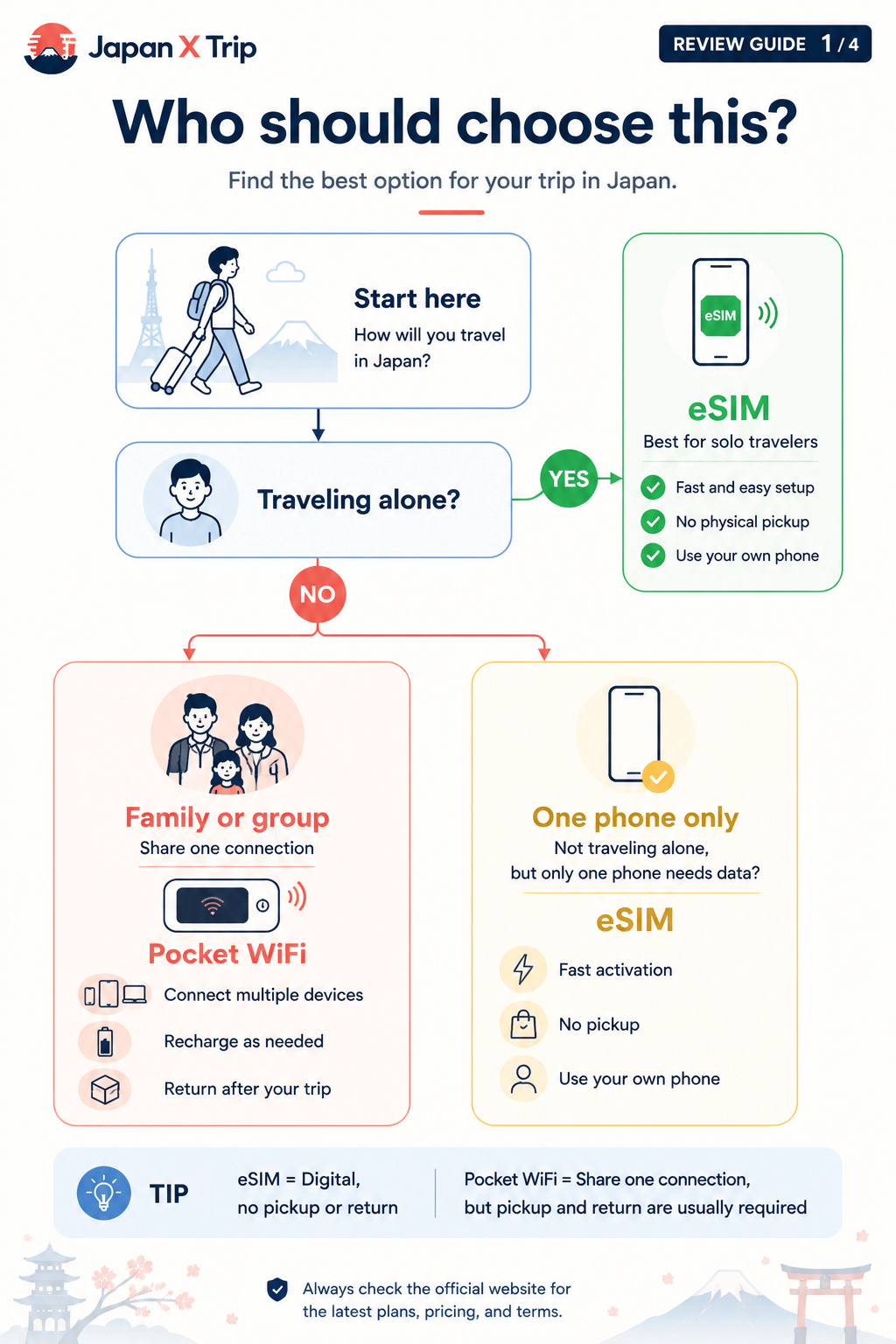
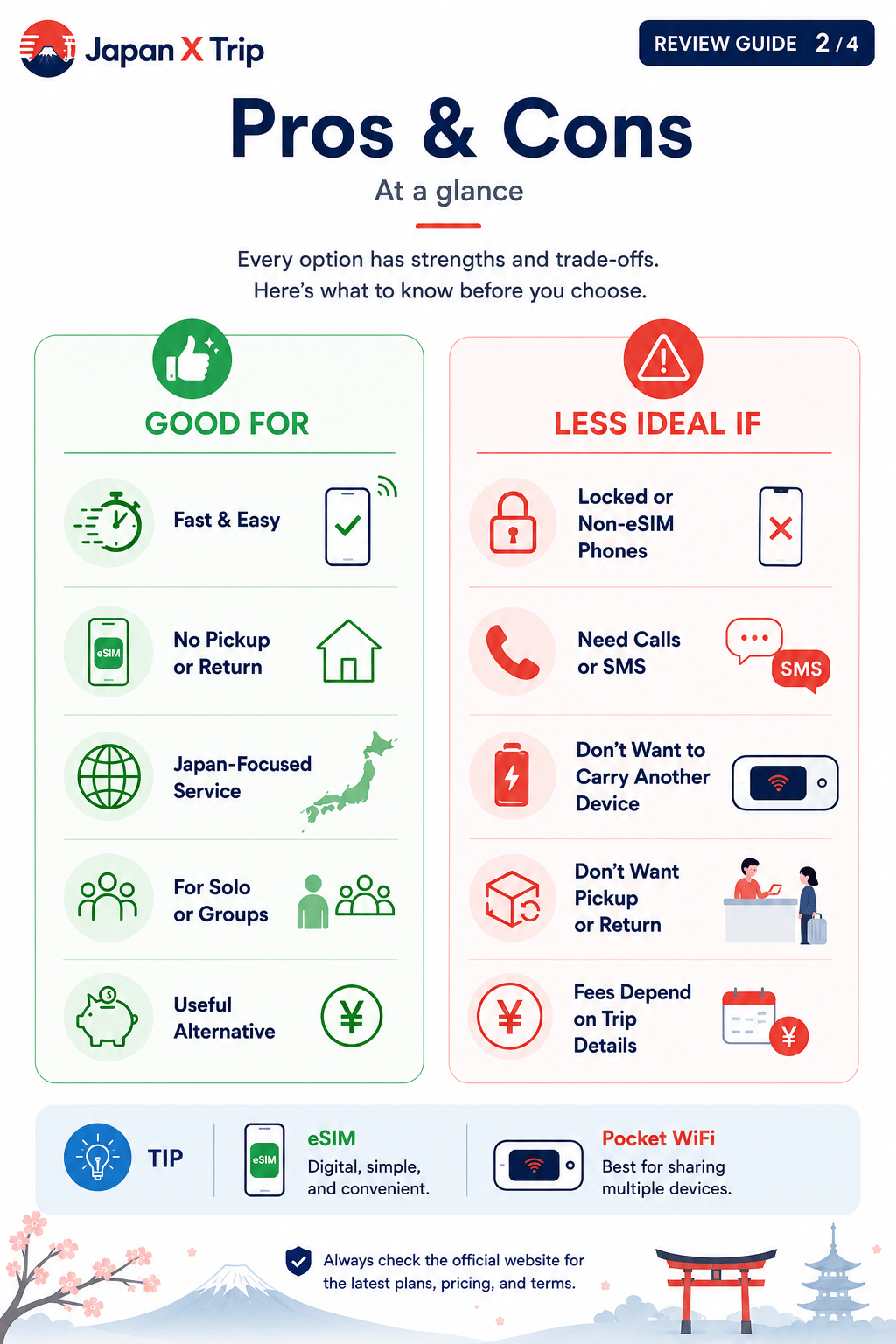
NINJA WiFi is worth considering for families, groups, and travelers who want to connect several devices in Japan using a rental Pocket Wi-Fi router, or who prefer a physical SIM or eSIM as separate product options. Each product has its own setup, compatibility, and logistics, so the right choice depends on the exact product selected. It may be less suitable for solo travelers who prefer not to carry, charge, or return a device — always confirm current pickup, return, and plan details on the official website before booking.
At a glance
NINJA WiFi at a glance
- Product formats
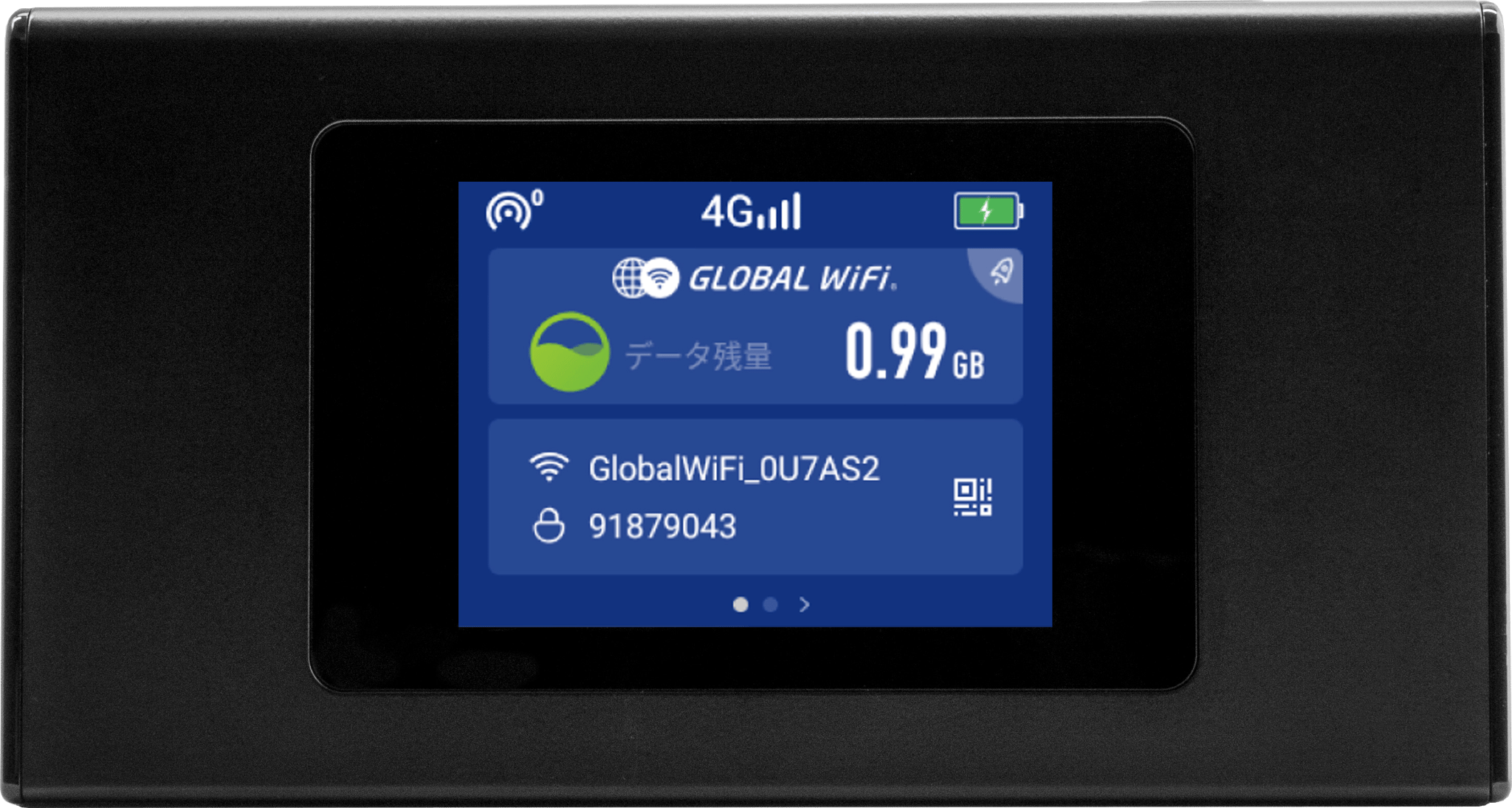
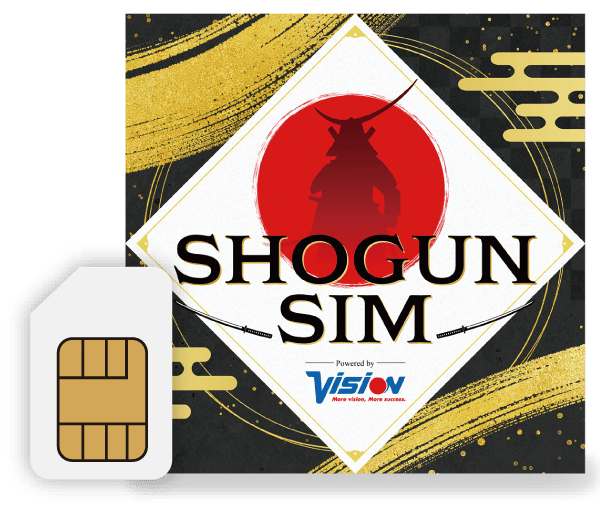
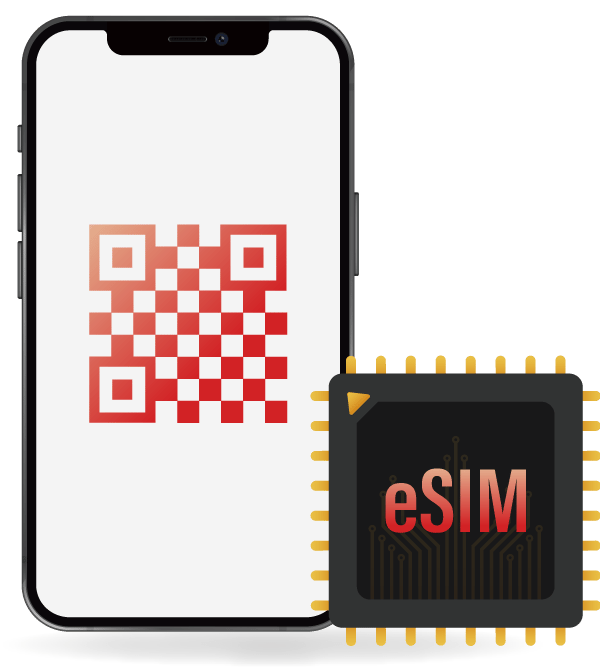
- Pocket Wi-Fi rental, physical SIM (SHOGUN SIM), and eSIM
- Best for
- Families, groups, and multiple connected devices
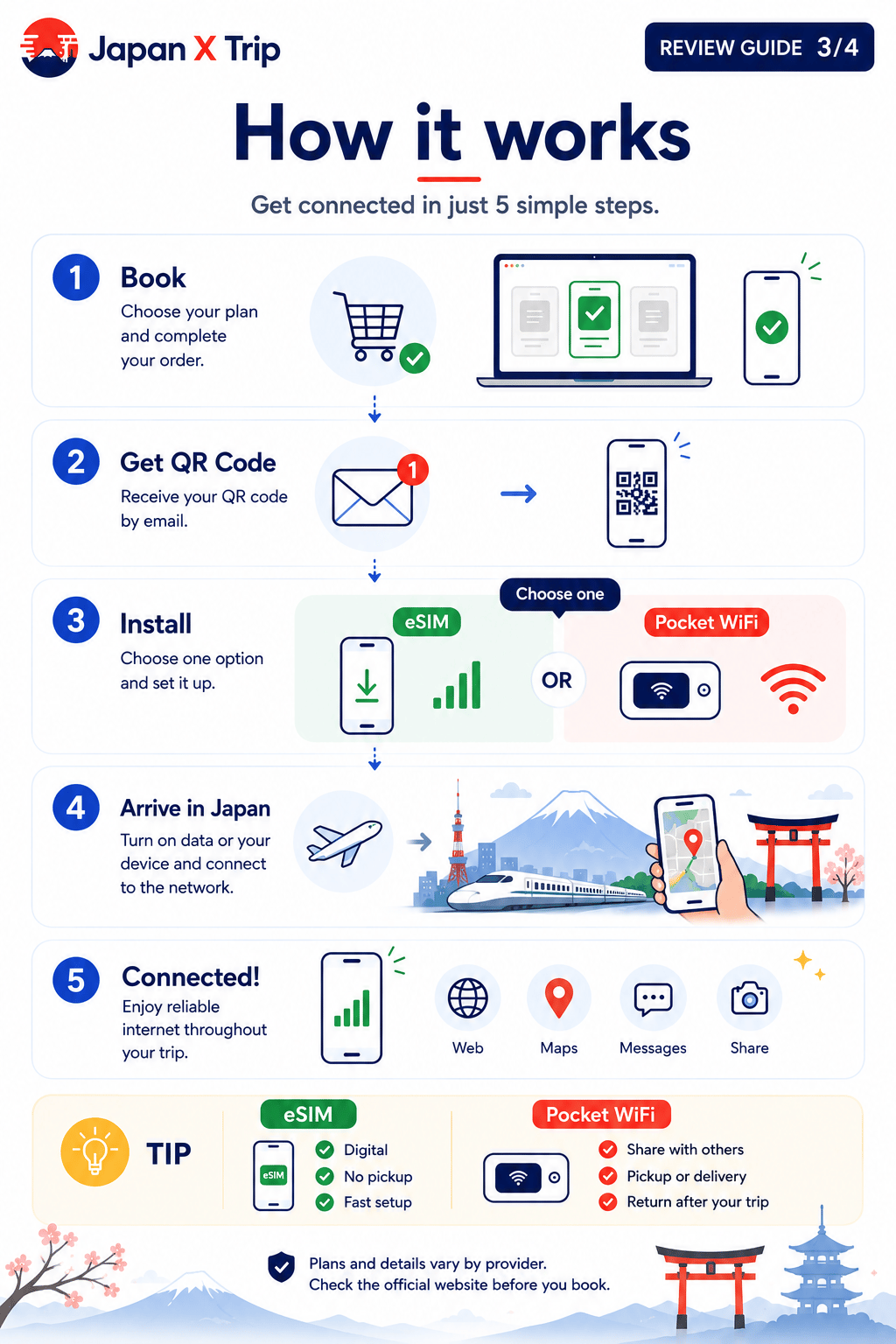
- Pocket Wi-Fi setup
- Collected or delivered as rental equipment
- Pocket Wi-Fi return
- Required at the end of the rental
- Main limitation
- Pickup, carrying, charging, and return logistics for Pocket Wi-Fi
- Review basis
- Official NINJA WiFi information and editorial comparison criteria
Choose a plan
NINJA WiFi plan options
Select the plan you want to check, then confirm the exact price and data allowance on the checkout page.
Overview
What to know about NINJA WiFi
NINJA WiFi is especially relevant for families, groups, and travelers who need to connect several devices during a trip to Japan. The most suitable choice depends on device compatibility, trip length, data use, the number of travelers and devices, and the preferred setup method.
Prices, plan names, included data, validity, network arrangements, and support conditions may change. Confirm the latest information on the provider's official website before purchasing.
Potential advantages
Strengths
Pocket Wi-Fi can connect several devices
Suitable for phones and larger devices such as laptops
Physical pickup and delivery options may be available
Useful when travelers want to share one connection
Important limitations
Things to consider
A pocket Wi-Fi device must be carried and charged
Rental equipment normally needs to be returned
Loss, damage, late return, or extension fees may apply
Actual performance varies by location and network conditions
Before checkout
What to verify before buying
Transparency
How this review was prepared
Japan X Trip checks information primarily against official provider websites. We do not claim that every provider has been personally tested in every location, device, or network condition.
Affiliate relationships do not determine rankings or recommendations. This site may receive a commission when a visitor purchases through an affiliate link, at no additional cost to the visitor.
Read the full review methodology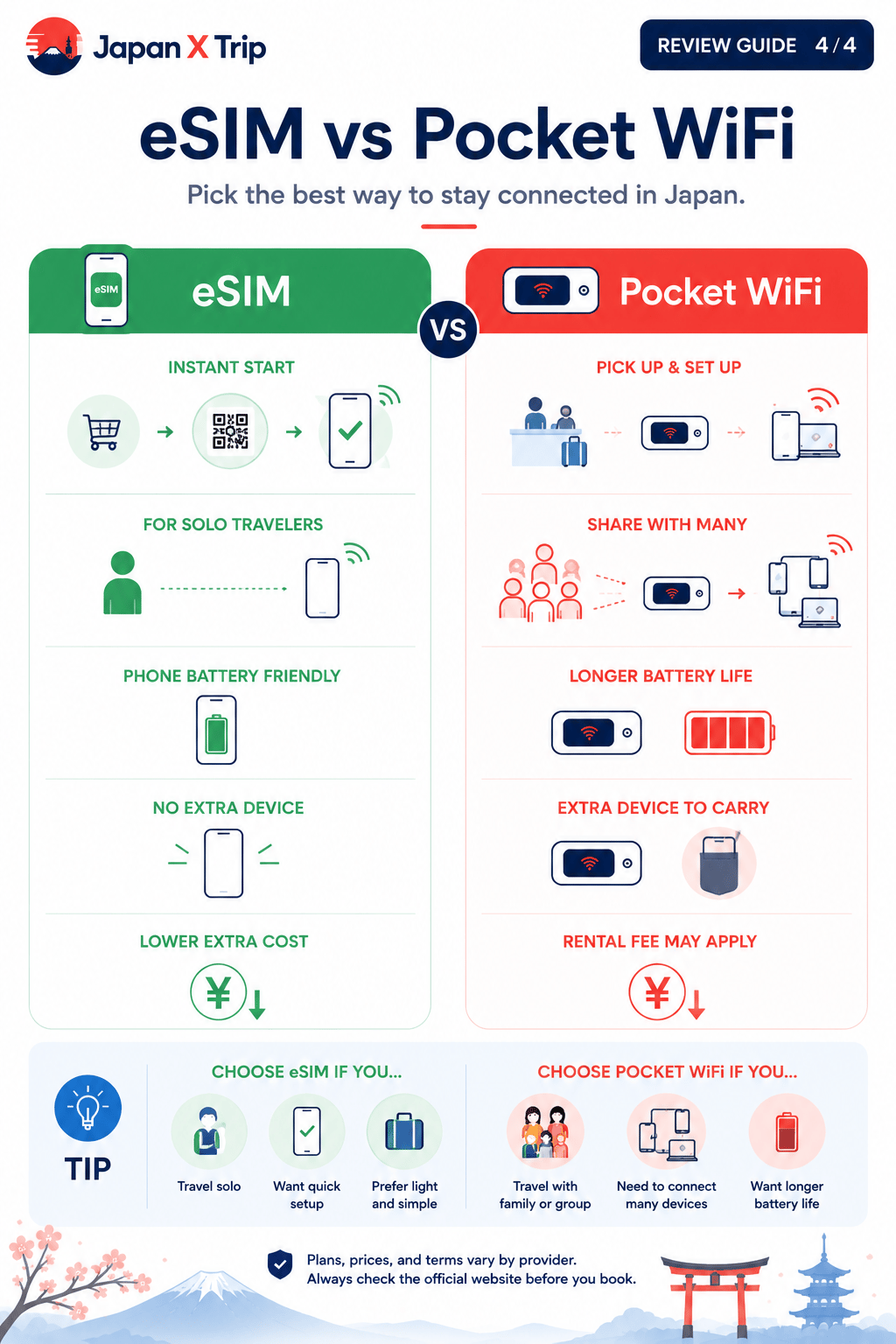
Common questions
NINJA WiFi FAQ
Is NINJA WiFi good for Japan?
NINJA WiFi can be a good option for families, groups, and travelers who want to connect several devices, or who want a choice between a rental Pocket Wi-Fi router, a physical SIM, or an eSIM. Whether it's the right choice depends on your group size, devices, and how comfortable you are carrying and returning rental equipment.
How many devices can connect to a NINJA WiFi router?
The number of devices a Pocket Wi-Fi router can connect depends on the exact router model and plan. Check the current device-limit specifications on the official NINJA WiFi website before booking.
Does the Pocket Wi-Fi router need to be returned?
Rental Pocket Wi-Fi routers are generally expected to be returned at the end of the rental period. Confirm the exact return method, location, and deadline for your booking on the official website.
Is NINJA WiFi Unlimited really unlimited?
Plans labeled unlimited may still be subject to fair-use policies, speed reductions, or other conditions that vary by plan. Review the exact terms for your selected plan on the official website before booking.
What happens if I lose or damage the router?
Rental equipment may involve additional charges for loss, damage, or late return. Review the current official terms and any available protection options before booking.
Does NINJA WiFi offer a physical SIM or eSIM instead of Pocket Wi-Fi?
Yes, NINJA WiFi offers SHOGUN SIM as a physical SIM option and a separate NINJA WiFi eSIM product, in addition to Pocket Wi-Fi rental. Each product has its own compatibility, setup, and terms, so check the specific product page before choosing.
Can I get a refund from NINJA WiFi?
Refund eligibility can depend on the product, booking status, and NINJA WiFi's current policy. Review the official refund terms before booking if this is a concern.
Compare before buying
Check whether NINJA WiFi fits your trip.
Compare it with alternative eSIM, physical SIM, and pocket Wi-Fi options before making a final decision.